How to buy

Select a program you want to order and click the Buy button
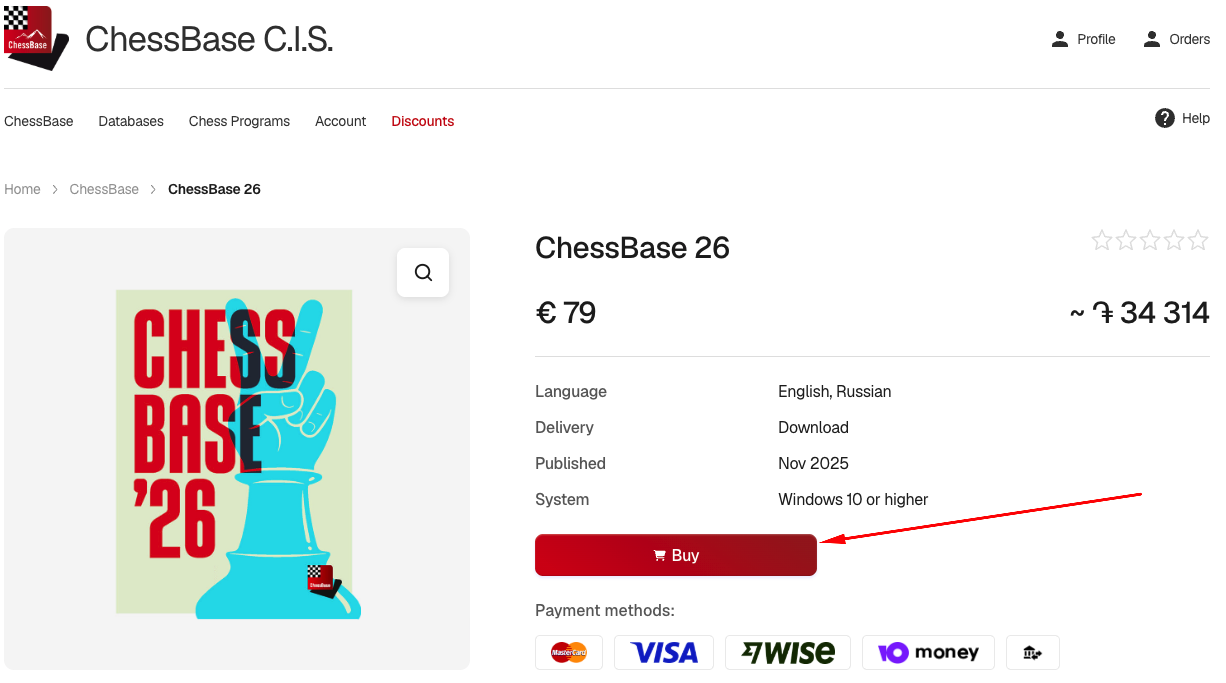
Select a program
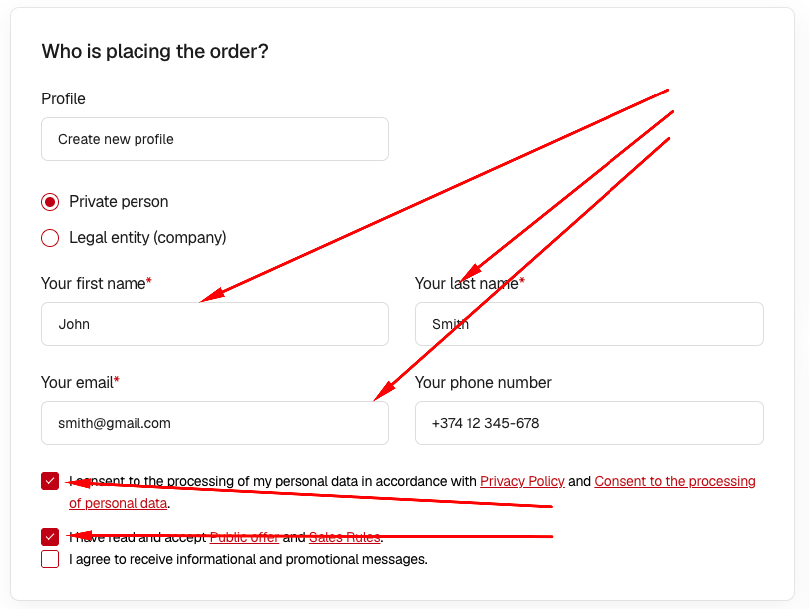
Fill in your contact information, accept the terms of the order and click the Place order button.
Place your order
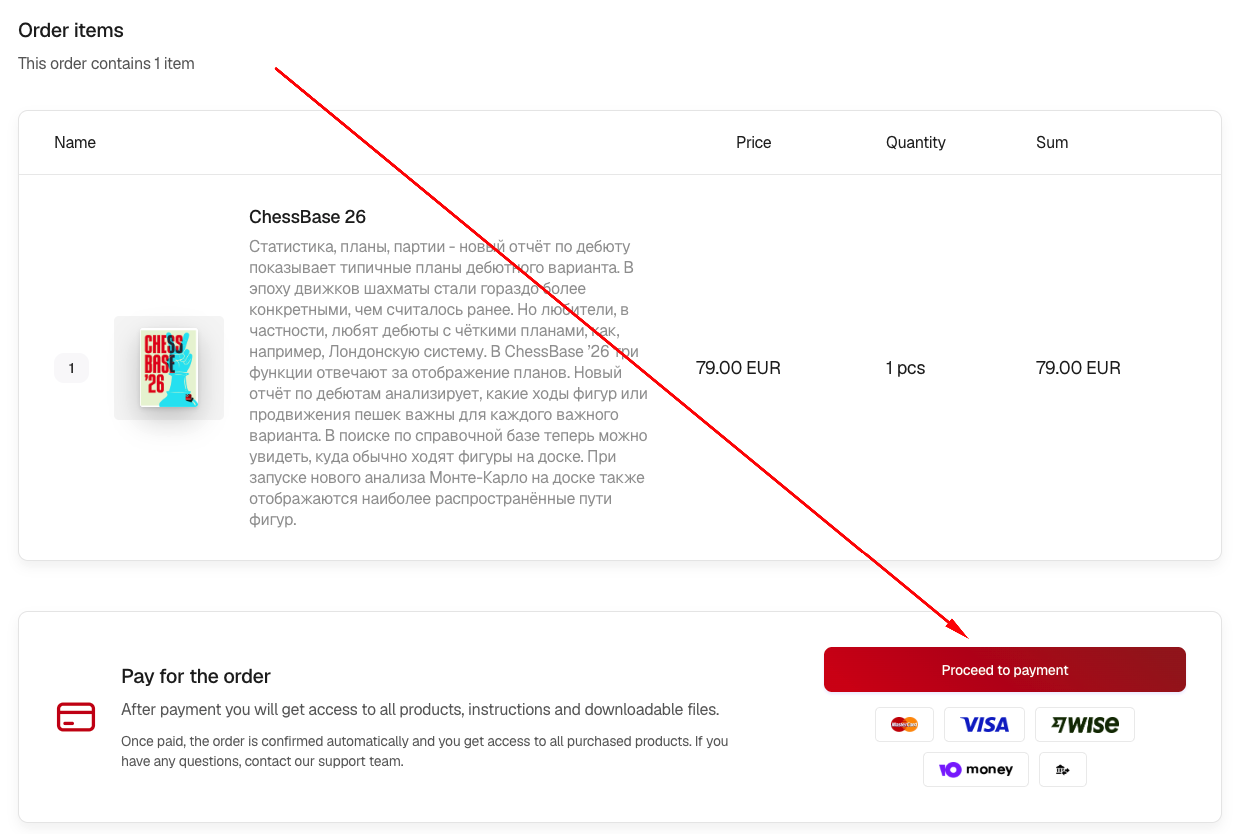
Go to the order page and pay. You can go to the order page immediately after placing your order or from your profile page at any time before your order is canceled.
Pay for your order
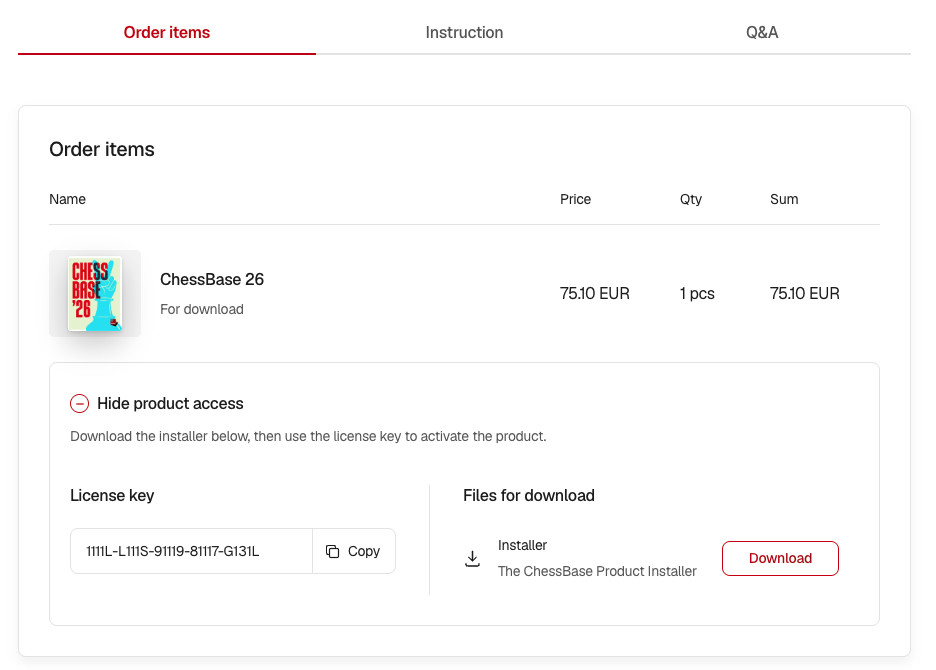
Open the order page in your profile, where you'll find license keys for the purchased programs and links to the files. If you have any questions, please refer to the Instructions and Q&A tabs.
Receive your order

Sign in

Enter your email to sign in.

We'll send a verification code to this address.

Confirm sign in

A verification code has been sent to your email.

Enter it in the fields below.

Wrong code, please try again

You have been signed in successfully